
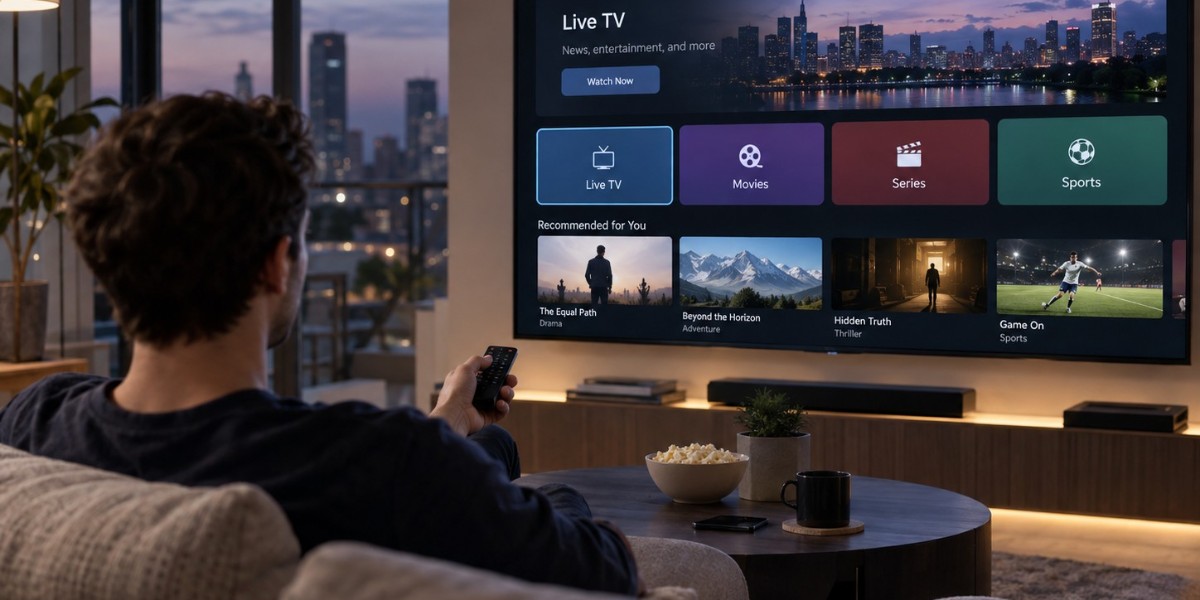

Discover five common streaming account setup mistakes and learn how to avoid login issues, payment problems, app errors, and interruptions.
Streaming applications make it convenient to watch movies, television programs, documentaries, and live content across different devices. However, a smooth viewing experience depends on more than installing an application and pressing play. Account settings, subscription details, device permissions, and internet configurations can all affect how well a streaming service works.
Many common streaming problems begin during the initial setup process. A small mistake, such as entering an incorrect email address or overlooking a subscription requirement, can lead to repeated login failures or unexpected interruptions. Understanding these issues before they happen can save time and make everyday streaming more reliable.
1. Using Incorrect or Inconsistent Login Details
One of the most common account setup mistakes is entering incorrect login information. A misspelled email address, forgotten password, or outdated contact detail can prevent users from accessing their accounts. The problem becomes more confusing when several streaming services use different usernames and passwords.
Using consistent and accurate account information makes it easier to recover access when necessary. Check the email address carefully during registration and use a strong password that is not shared with unrelated accounts. A reputable password manager can also help organize login details securely without relying on memory alone.
2. Ignoring Device Compatibility and Account Settings
Not every streaming application works in exactly the same way across televisions, smartphones, tablets, and streaming devices. Some services require specific operating system versions, while others limit the number of devices that can use one account simultaneously.
Good app management begins with checking device requirements and reviewing account settings before starting regular playback. Users should confirm that their television or streaming device supports the application, that the software is updated, and that the account permits the intended number of simultaneous connections.
Ignoring these details can result in installation errors, missing features, or messages indicating that too many devices are connected. Reviewing compatibility information in advance can prevent many avoidable problems.
3. Overlooking Subscription and Payment Information
Another frequent mistake is assuming that an application will provide full access immediately after installation. Some services offer free content, while others require a paid subscription or a separate activation process.
Users should carefully review the subscription plan, billing date, renewal conditions, and available payment methods. An expired card or unsuccessful payment can interrupt access even when the application itself is working correctly.
It is also important to understand what the subscription includes. Some plans restrict the number of screens, video quality, or access to certain content categories. Reading the terms before confirming a payment helps avoid misunderstandings later.
Avoid entering payment details through unfamiliar links or unofficial applications. Use the service's verified website or authorized application whenever possible.
4. Skipping Application and Software Updates
Streaming applications regularly receive updates that may improve performance, fix bugs, and maintain compatibility with newer devices. Operating systems also receive updates that can affect how applications function.
Using outdated software may lead to freezing, unexpected crashes, playback errors, or problems signing in. Some older devices may eventually stop supporting newer application versions, making it important to check whether the hardware and operating system remain compatible.
Enable automatic updates when appropriate, or check for updates periodically. If an application continues to behave unexpectedly after updating, restarting the device may help. Reinstalling the application can also resolve certain software-related issues, although users should first make sure they know their account credentials.
5. Failing to Secure the Streaming Account
Streaming accounts can contain personal details, viewing preferences, billing information, and access to paid subscriptions. Weak passwords and careless sharing can expose accounts to unauthorized access.
Avoid using simple passwords or repeating the same password across multiple services. Where available, enable additional security features such as two-step verification. Users should also review the list of connected devices and sign out of sessions they no longer recognize or use.
Sharing account credentials with too many people can create additional problems. Some platforms restrict simultaneous streams or limit account use to particular households. Understanding these rules can prevent access conflicts and unexpected account restrictions.
If suspicious activity appears, change the password through the official service and contact customer support if necessary.
Additional Tips for a More Reliable Streaming Experience
Correct account setup is an important starting point, but maintaining a smooth experience also requires attention to the device and network.
Consider these practical habits:
Use a stable internet connection: Weak Wi-Fi signals and network interruptions can cause buffering or failed playback.
Keep account details current: Make sure recovery email addresses and other contact information remain accessible.
Review connected devices: Remove old devices that are no longer used.
Check subscription status: Confirm that payments and renewals are processed correctly.
Download applications from trusted sources: Avoid unofficial versions that may create security or compatibility risks.
These small steps can help users identify potential problems before they interfere with regular viewing.
Conclusion
Streaming applications offer convenient access to digital entertainment, but account setup mistakes can make the experience frustrating. Incorrect login details, overlooked compatibility requirements, payment issues, outdated software, and weak account security are among the most common causes of disruption.
Taking time to configure accounts properly and reviewing settings regularly can prevent many of these problems. With accurate information, updated applications, secure credentials, and a reliable internet connection, viewers can enjoy a more consistent and trouble-free streaming experience.